
Rotas
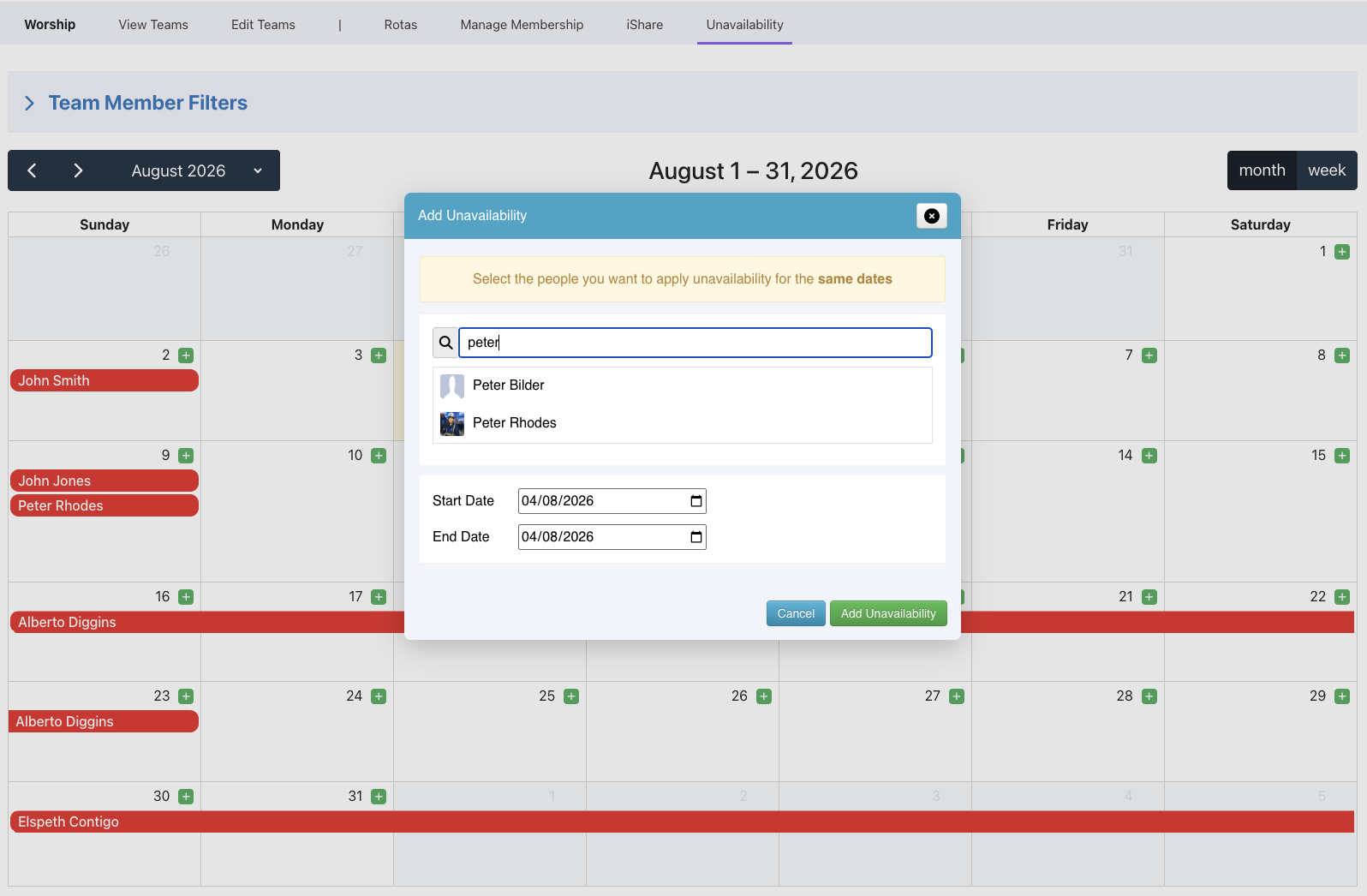
Administrators and Team Leaders can now add Unavailability for other team members. If you're an administrator, you will be able to add unavailability for any member of any team. If you're a Team Leader, an administrator can give permission for you to add unavailability for the members of your team. Simply go to Teams, click the relevant Team and click the Unavailability tab.
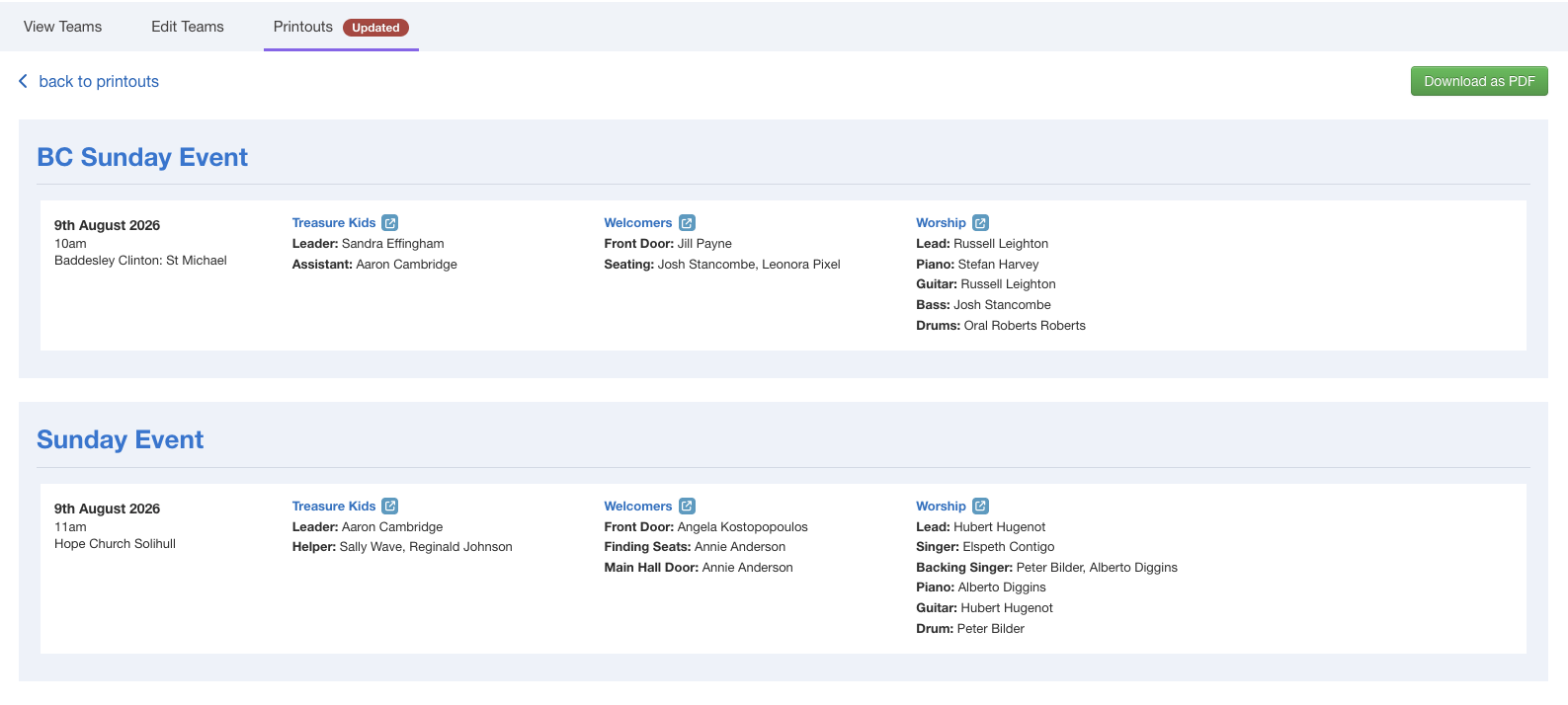
We've also introduced a new Rota view called the Matrix, which allows you to view rotas for multilple teams and multiple events on the same screen, and then access the rotas from that screen. If you have multiple locations, you can view rotas across your locations, as well. And if you need to print or email the details, you can click the Download as PDF button.
Groups
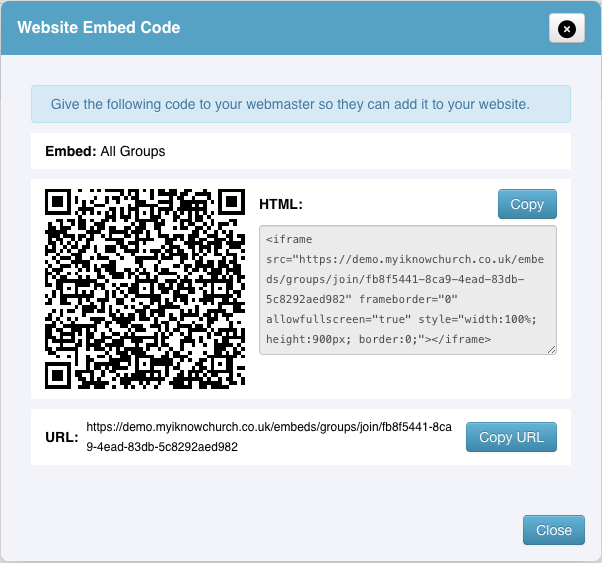
You can now create sign ups for your groups that can be embedded into your website.
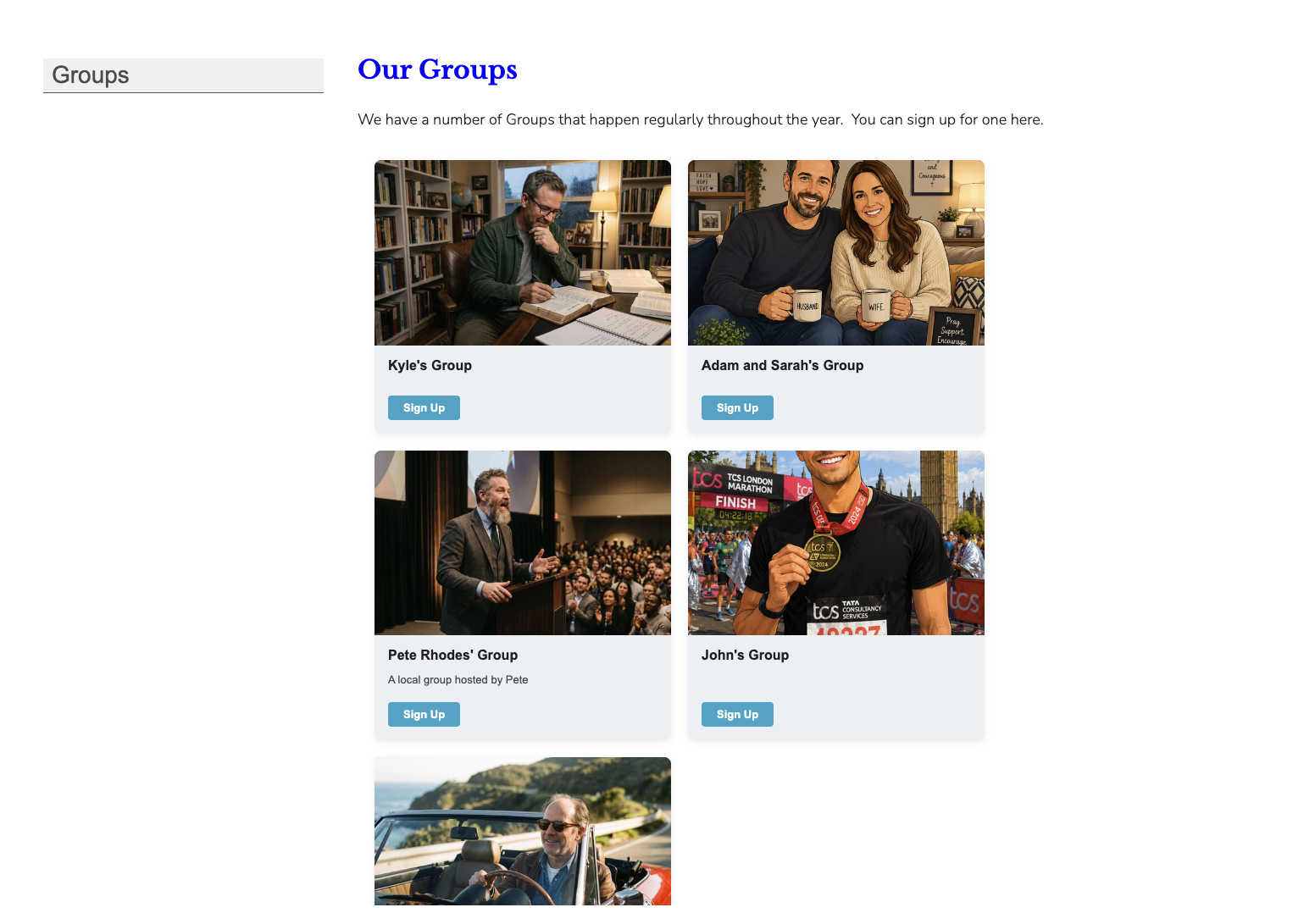
Create multiple embeds for one group, or multiple groups.
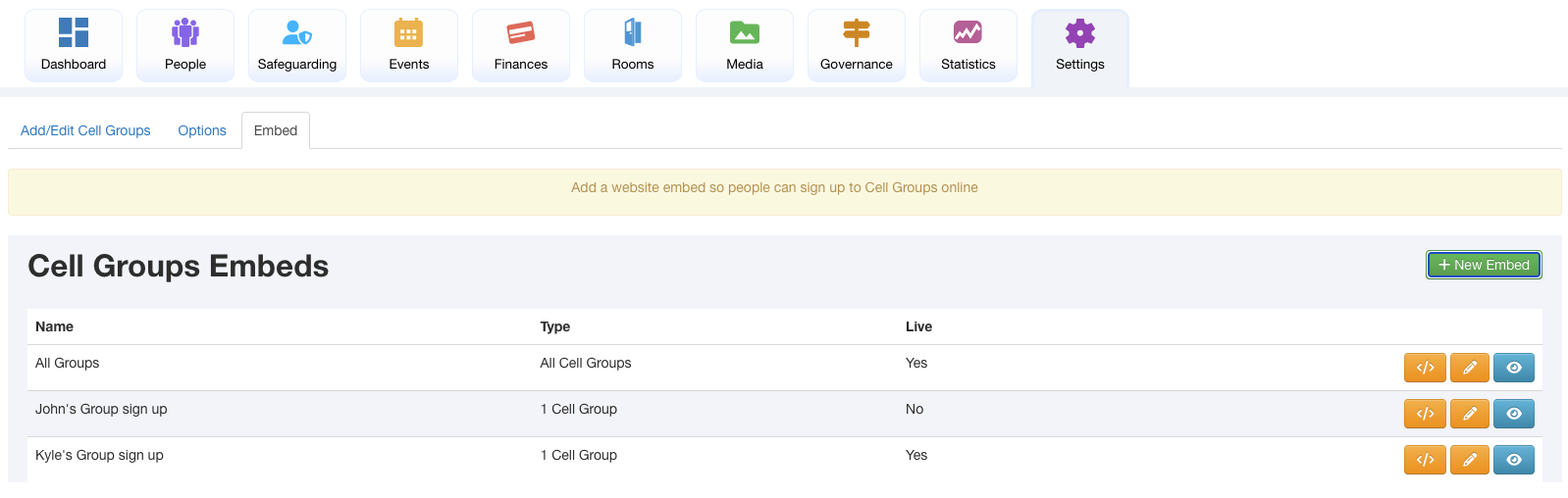
Then the system will generate the embed code, a QR code and a URL for the sign up page, so you can share the group sign ups.
Sign ups will come into your iKnow account so that they can be checked before being approved or rejected. You can also match applicants with existing profiles in your iKnow account if the person signing up is already in your iKnow account.
We've also made another small change to the Groups page so that groups of which you are a member will appear at the top of the groups page.